Spark Beginners – Recorded Robotics & Coding
About Course
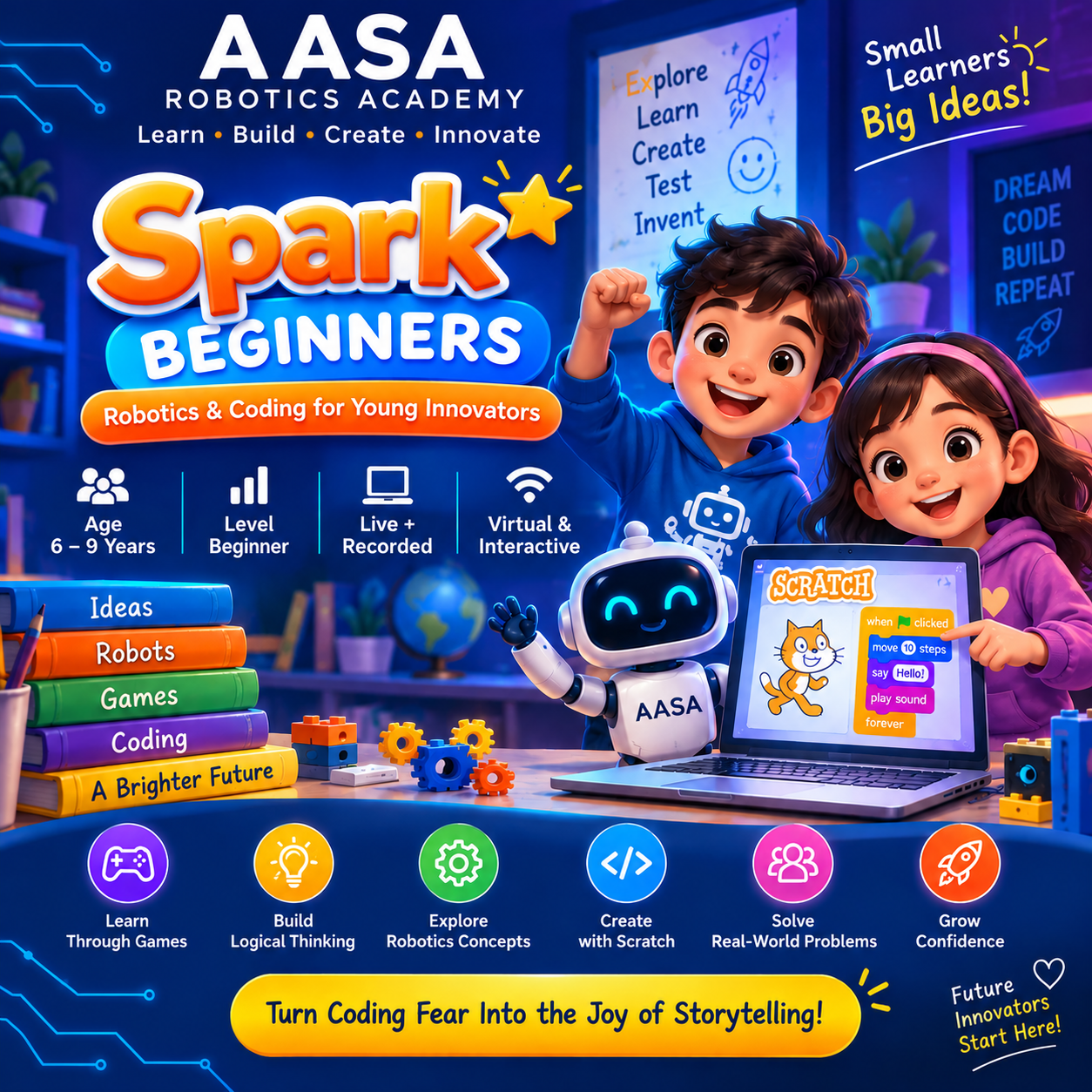
🚀 Spark Beginners – Turn Coding Fear Into the Joy of Storytelling
Is your child curious about robots, games and technology but feels that coding looks difficult?
Spark Beginners is a fun, beginner-friendly robotics and coding journey designed for children aged 6–9 years.
Instead of starting with complicated programming, children learn through stories, games, challenges and creative activities. They discover how robots think, follow instructions, make decisions and solve problems — while gradually building their first coding skills.
🌟 What Your Child Will Explore
• How robots work and what makes them special
• Input → Think → Output — how robots make things happen
• Sequencing and step-by-step instructions
• Debugging — finding and fixing mistakes
• Loops and repetition
• IF / THEN decision-making
• Scratch coding and interactive animations
• Story-based coding with characters and adventures
• Coordinates and movement
• Creative coding and mini-game creation
• Simple sensors and robot mechanisms
• A final Young Inventor Challenge
🎯 How Children Learn
LEARN → PLAY → CREATE → SOLVE
Every module is designed to make children think, experiment and create rather than simply memorize coding commands.
By the end of the course, your child will have developed stronger logical thinking, creativity, problem-solving skills and confidence with technology — while having fun along the way!
💡 No previous coding or robotics experience is required.
👨💻 Learning Format
Live + Recorded Learning
Virtual • Beginner Friendly • Project & Activity Based
🎁 Ready to see how your child learns?
Book a FREE Demo Class and let your child experience the fun of robotics and coding before you enroll.
👉 Book Your FREE Demo Class
No payment required for the FREE Demo Class.
Course Content
Overview of Course
-
Welcome to AASA Robotics Academy
02:16
Topic 01. Meet the Robots 🤖
Discover what robots are, how they are different from people, and explore the amazing parts that help robots work.
-
🤖 Hello, Robot!
01:15 -
🤖 Use of Robot!
02:00 -
🤖 WHY LEARN ROBOTICS?
01:35 -
🧩 Meet the Robot Team
01:48 -
Robot Superpowers ⚡
02:05 -
🎨 Design Your Dream Robot
-
Topic 01. Meet the Robots 🤖- Assignment
-
🏆 Topic 01 Challenge — Meet the Robots
-
🏆 Topic 01 Challenge — Meet the Robots
Topic 02 — Meet the Robot Brain 🧠
Discover how robots take information from the world, think about what to do, and give instruction.
-
🧠 Meet the Robot Brain
00:00 -
👀 Input: How Robots Sense
01:15 -
🤔 Think: How Robots Make Decisions
01:44 -
🎮 Be the Robot Game
-
Topic 02 — Meet the Robot Brain Assignment
-
🧠 Topic 02 Challenge — Meet the Robot Brain
-
🧠 Topic 02 — Meet the Robot Brain Quiz
👣 Topic 03 — Step-by-Step Robot
Learn why robots need instructions in the right order and how one small change can change the whole result.
-
👣 One Step at a Time
-
🤖 Program My Robot
-
🔀 Oops! Wrong Order!
-
🎮 Robot Dance Challenge
-
Topic 03 — Step-by-Step Robot Assignment
-
👣 Topic 03 Challenge — Step-by-Step Robot
-
👣 Topic 03 — Step-by-Step Robot Quiz
🕵️ Topic 04 — Robot Detective
Become a robot detective! Find mistakes in instructions, fix them, and help your robot complete its mission.
-
🔍 Something Went Wrong!
-
🕵️ Find the Mistake
-
🔧 Fix the Broken Robot
-
🎮 Detective Mission Challenge
-
Topic 04 — Robot Detective Assignment
-
🕵️ Topic 04 Challenge — Robot Detective
-
🕵️ Topic 04 Challenge — Robot Detective
🔁 Topic 05 — Repeat After Me!
Teach your robot to repeat actions again and again without giving the same instruction every time.
-
Lesson 1 — 🔁 Do It Again!
-
Lesson 2 — 🤖 Robot, Repeat!
-
Lesson 3 — 🧩 Loop It Up!
-
Lesson 4 — 🎮 Jumping Robot Game
-
Topic 05 — Repeat After Me! Assignment
-
🔁 Topic 05 Challenge — Repeat After Me!
-
🔁 Topic 05 Challenge — Repeat After Me!
Topic 06 — 🤔 What Should the Robot Do?
Decision Making — IF / THEN Thinking.
-
Lesson 1 — 🤔 Robot, Make a Choice!
-
👀 Lesson 2 — Robot Eyes: IF the Robot Sees It!
-
🧠 Lesson 3 — Robot Choices: IF This, THEN That!
-
🎮 Lesson 4 — Be the Robot Game!
-
Topic 06 — 🤔 What Should the Robot Do? Assignment
-
🏆 Topic 06 Challenge — What Should the Robot Do? 🤔
-
🏆 Topic 06 Challenge — What Should the Robot Do? 🤔
🐱 Topic 07 — Welcome to Scratch World!
Introduce children to Scratch in a fun, visual and story-based way. They will discover how characters, backgrounds and coding blocks work together to create interactive projects.
-
Lesson 1 — 🐱 Welcome to Scratch World!
-
🎨 Lesson 2 — Make Your Sprite Move!
-
🗣️ Lesson 3 — Make Your Sprite Talk!
-
🎬 Lesson 4 — Bring Your Story to Life!
-
Topic 07 — Welcome to Scratch World! Assignment
-
🐱 Topic 07 Challenge — Welcome to Scratch World
-
🐱 Topic 07 Challenge — Welcome to Scratch World
🚀 Topic 08 — Max & John’s Coding Adventure
Combine sequencing, loops, decisions and Scratch coding to help Max and John complete an exciting digital adventure.
-
🚀 Lesson 1 — Max & John’s Coding Adventure
-
🌲 Lesson 2 — The Forest of Loops!
-
🚪 Lesson 3 — The Mystery Gate! 🧩🤖
-
💎 Lesson 4 — Find the Treasure! 🗺️🏆
-
Topic 08 — Max & John’s Coding Adventure Assignment
-
🚀 Topic 08 Challenge — Max & John’s Coding Adventure
-
🚀 Topic 08 Challenge — Max & John’s Coding Adventure
🗺️ Topic 09 — Treasure Hunt!
🌟 Topic Goal
In this exciting topic, young inventors will discover how coordinates help characters know exactly where they are and how programmers can use coordinates to control movement in Scratch.
They'll learn:
🗺️ X & Y coordinates
↔️ Left & right movement
↕️ Up & down movement
📍 Position on the Stage
🎮 Direction and movement
🔁 Loops + coordinates
🤔 IF/THEN decisions
💎 Game design and problem-solving
And, of course, they'll create their own digital treasure hunt! 🚀
🗺️ Welcome to the Treasure Hunt!
Max and John have discovered something amazing! 😮
Inside the treasure chest from their last adventure, they found...
🗺️ ANOTHER MAP!
But this isn't an ordinary map.
It has strange numbers written all over it:
X: 120
Y: -80
Max looks confused.
“What do these numbers mean?” 🤔
John smiles.
“Maybe they're telling us exactly where to go!”
💡 That's when our next coding adventure begins!
-
📍 Lesson 1 — Where Am I?
-
↔️ Lesson 2 — Move Around the Map! 🗺️🤖
-
🧭 Lesson 3 — Follow the Treasure Trail! 🔁🤔
-
💎 Lesson 4 — Create Your Own Treasure Hunt! 🗺️🏆
-
Topic 09 — Treasure Hunt! Assignment
-
🗺️ Topic 09 Challenge — Treasure Hunt!
-
🗺️ Topic 09 Challenge — Treasure Hunt!
🎨 Topic 10 — Let’s Create!
Welcome, Young Creator! 👋
You've learned how robots think, how programs follow instructions, how loops repeat actions, how IF/THEN helps characters make decisions, and how coordinates control movement.
Now it's time to put your skills together and become a Game Creator! 🎮
In this topic, you'll learn how to plan, design, build, test and improve your very own Scratch mini-game.
🧠 You'll use:
🧩 Sequencing
🔁 Loops
🤔 IF/THEN decisions
📍 Coordinates
🧭 Movement
🗣️ Storytelling
🎵 Sounds & effects
⭐ Scores
🕵️ Debugging
🎨 Creative design
-
🎯 Lesson 1 — My Game Idea! 💡🎮
-
🧩 Lesson 2 — Build My Game World! 🌎🎮
-
🚀 Lesson 3 — Make My Game Smart! 🤖🎮
-
🏆 Lesson 4 — Game Creator Showcase! 🎤🎮
-
Topic 10 — Let’s Create! Assignment
-
🎨 Topic 10 Challenge — Let’s Create!
-
🎨 Topic 10 Challenge — Let’s Create!
👀 Topic 11 — Robot Super Senses
Let's Introduce children to real-world robot sensors and help them understand how robots detect their surroundings and respond to what they sense.
-
Lesson 1 —👀 Robot Super Senses!
-
💡 Lesson 2 — Smart Sensors, Smart Robot!
-
🤖 Lesson 3 — Sensor Teamwork: Make Robots Smarter!
-
🎮 Lesson 4 — Smart Robot Challenge: Build Your Robot Brain! 🤖🧠
-
Topic 11 — Robot Super Senses Assignment
-
👀 Topic 11 Challenge — Robot Super Senses
-
👀 Topic 11 Challenge — Robot Super Senses
🏆 Topic 12 — Young Inventor Challenge 🚀🤖
🌟 Topic Goal
It's time for the BIG FINISH!
In this final topic, young inventors will bring together everything they've learned about robots, coding, sequencing, loops, decisions, Scratch, coordinates, sensors and problem-solving to imagine and present their own robot invention.
This isn't just about getting the "right answer."
💡 This is YOUR idea. YOUR robot. YOUR invention!
🎬 Welcome to the Final Mission!
Young Inventor, look how far you've come! 🚀
You started by asking:
🤔 “What is a robot?”
Now you can:
🤖 Explain how robots work
🧠 Think like a robot brain
👣 Give step-by-step instructions
🕵️ Find and fix mistakes
🔁 Use loops
🤔 Make IF/THEN decisions
🐱 Create Scratch projects
🗺️ Use coordinates
👀 Understand sensors
🧩 Combine sensors to make smarter robots
Now it's time to put ALL those skills together!
Welcome to:
🏆 THE YOUNG INVENTOR CHALLENGE!
-
🚀 LESSON 1 — Imagine Your Invention!
-
🎨 LESSON 2 — Design Your Dream Robot!
-
💻 LESSON 3 — Bring Your Idea to Life!
-
🏆 LESSON 4 — Young Inventor Showcase!
-
Topic 12 — Young Inventor Challenge 🚀🤖 Assignment
-
🏆 Topic 12 Challenge — Young Inventor Challenge
-
🏆 Topic 12 Challenge — Young Inventor Challenge
Student Ratings & Reviews